
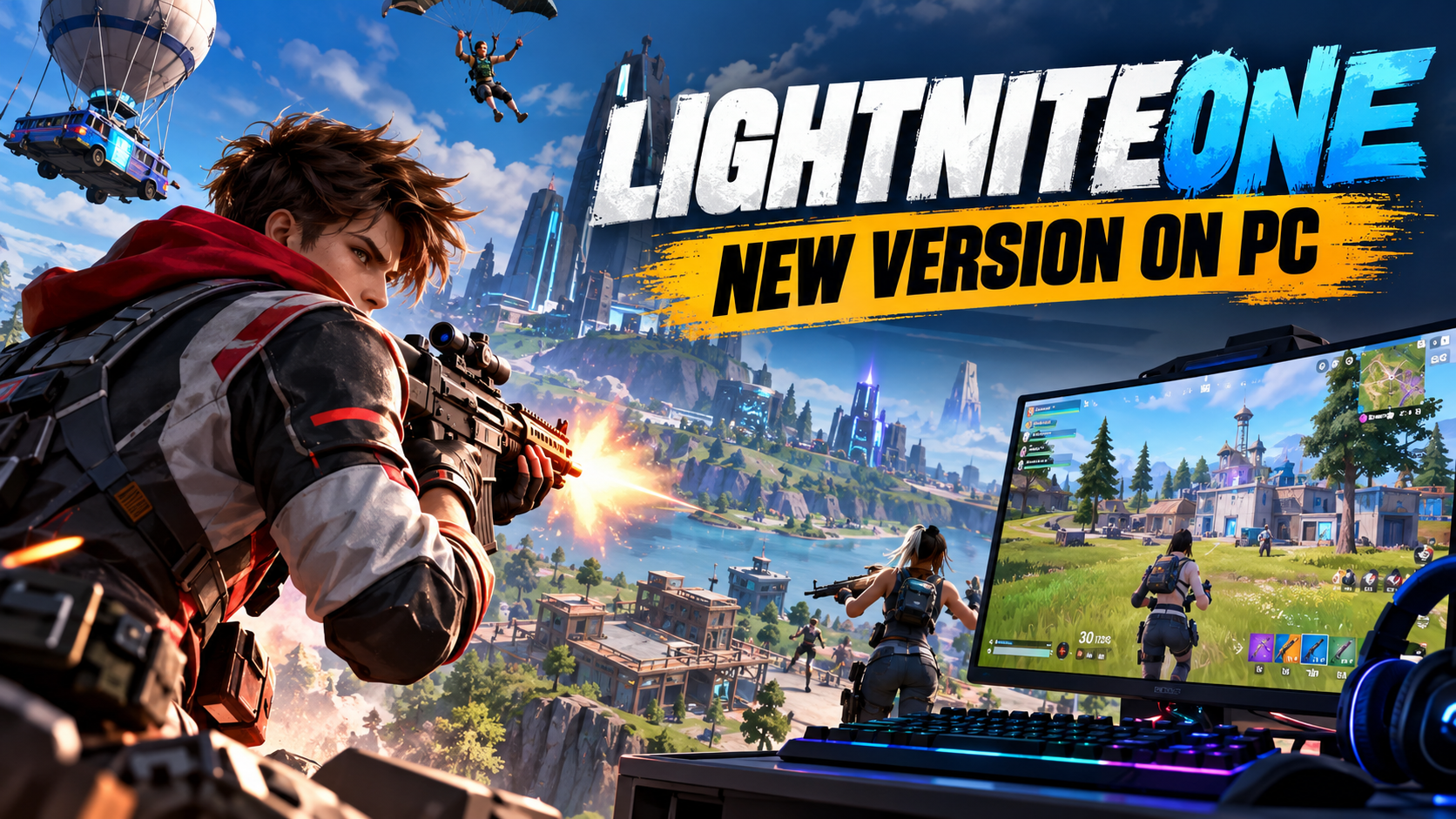
The LightniteOne new version on PC has attracted attention from players looking for an action-packed shooting game with unusual reward features. Unlike traditional multiplayer shooters, Light Nite introduced a gaming experience that combined competitive battles, colorful graphics, and blockchain-based digital items.
However, finding reliable information about the newest PC release can be confusing. Different websites use names such as LightniteOne, LIGHT NITE, and Light Nite X. Some also mention new updates without providing official release notes.
If you’re planning to play LightniteOne on your computer, it’s worth understanding which version is official, what the game offers, and where to find a legitimate download. This guide covers the game’s background, gameplay, PC compatibility, installation process, and common questions.
What Is LightniteOne?
LightniteOne is a search term commonly associated with LIGHT NITE, a multiplayer third-person shooting game developed by Satoshis Games Inc. The game is known for its cartoon-style graphics, competitive combat, and experiments with cryptocurrency-related rewards.
The original project began development in 2019 and reached the beta stage in 2021. Over time, the developers introduced different gameplay experiences, including player-versus-player battles and battle royale modes.
One of the game’s most recognizable features is its visual style. Instead of realistic military environments, LIGHT NITE uses bright colors, stylized characters, and simplified 3D graphics.
The project later evolved into Light Nite X, an edition associated with the Solana blockchain. This change is important because players searching for LightniteOne may encounter information about both the original game and its later development.
LightniteOne New Version on PC
Players searching for the new version of LightniteOne on PC generally want to know whether an updated game is available and what improvements it includes.
The most significant officially documented change was the transition toward Light Nite X. In February 2022, Elixir Games announced that the project would move its blockchain-related ecosystem from Bitcoin-based infrastructure to Solana.
This transition was intended to change how the game handled digital collectibles, reward systems, and certain in-game assets.
However, a specific new PC version number or officially confirmed October 2026 patch has not been established through the developer sources reviewed for this article.
That means claims about entirely new maps, redesigned weapons, major graphics upgrades, or performance improvements should not be treated as confirmed unless the developer publishes supporting release notes.
For players, the safest approach is to check the official game website and its connected distribution platform for current information.
What Makes LightniteOne Different?
LightniteOne stands apart from many conventional shooting games because of its combination of competitive gameplay and digital asset ownership.
Its original design explored the idea that certain actions during gameplay could be connected to cryptocurrency rewards. This created an unusual relationship between player performance and virtual items.
The game also focused on making multiplayer combat accessible through simple-looking graphics rather than relying entirely on realistic environments.
Battle royale and team-based combat were important parts of the original experience. Players could compete against opponents, develop shooting skills, and use different strategies depending on the game mode.
Another distinctive element was the introduction of blockchain-based cosmetic items. These allowed the developers to explore digital ownership and trading beyond ordinary in-game inventories.
Still, players should remember that historically advertised features may not all be available in the current client.
Gameplay and Combat
LIGHT NITE was designed around third-person shooting mechanics. Players view their characters from behind while moving across the battlefield, using weapons, and responding to opponents.
The game’s documented modes included battle royale and team deathmatch. Battle royale emphasizes survival, positioning, and eliminating opponents, while team-based matches focus more heavily on cooperation.
The colorful environment gives the game a lighter appearance, but successful multiplayer combat still depends on timing, accuracy, and movement.
For newcomers, learning how to use cover and control weapon movement is usually more useful than immediately pursuing aggressive fights.
A player who understands the battlefield and avoids unnecessary exposure often has a better chance of surviving encounters.
Although online articles sometimes describe additional movement systems or specific new weapons, these details should be checked against the version actually available in the game.
Graphics and Visual Style
The game’s low-poly graphical style is one of its defining characteristics. Characters, environments, and objects feature simplified geometric designs with a bright, cartoon-like appearance.
This visual direction helps distinguish LIGHT NITE from shooters that emphasize realistic lighting, detailed military equipment, and cinematic environments.
Simple graphics can sometimes reduce the amount of graphical processing required, although this does not automatically guarantee good performance on older computers.
Some third-party articles claim that the latest LightniteOne PC version has improved textures, lighting, and animations. Without official comparison footage or release notes, those improvements remain unverified.
Players interested in graphics quality should evaluate the actual settings available in their installed version rather than relying on promotional claims.
How to Download LightniteOne on PC
If you want to download LightniteOne on PC, begin with the official website instead of an unfamiliar software-sharing page.
The developer’s website, lightnite.io, identifies Satoshis Games Inc. and provides a download link associated with the Elixir gaming platform.
Follow these steps to check the available PC download:
- Open your browser and visit the official LIGHT NITE website at lightnite.io.
- Find the Download option on the website.
- Follow the link to the connected Elixir Games platform.
- Check whether Light Nite X is currently listed and available for your operating system.
- Review any system requirements, account conditions, or installation instructions.
- If an official installer is available, download it and follow the platform’s setup instructions.
- After installation, check for updates before attempting to launch the game.
The official download link was present during research, but successful installation and current server access could not be independently confirmed.
Avoid websites that claim to offer exclusive versions of LightniteOne through unrelated executable files. A download should have a clear connection to the original developer or an established distribution platform.
Is LightniteOne Available on Steam?
Many PC gamers naturally check Steam when searching for a new game. LIGHT NITE previously had a Steam listing, but its planned release did not proceed.
In September 2021, the developers announced that LIGHT NITE would not launch through Steam at that time because of restrictions affecting cryptocurrency and NFT-related games.
The game’s record on SteamDB, identified by application ID 1271810, currently describes the application as retired and no longer available through the Steam store.
This means an old Steam listing should not be confused with an active download page.
Players searching for the latest PC edition should begin with the developer’s official website and verify any new distribution announcements before installing the game.
LightniteOne PC Requirements
Before installing LightniteOne, checking your computer’s specifications is important.
Historical game records mention Windows, macOS, and Linux compatibility. However, those earlier platform listings do not necessarily establish support for every current edition.
A complete, verified set of minimum and recommended system requirements for an October 2026 PC build was not available from the official material reviewed.
The most important details to check are your operating system, processor, installed RAM, graphics hardware, and available storage space.
You should also confirm whether the game requires a particular launcher version and an active internet connection for multiplayer features.
If you use an older laptop or a computer without a dedicated graphics card, compare your hardware against the latest officially listed requirements before downloading.
How to Update LightniteOne on PC
Keeping your installed game updated can help prevent compatibility problems and ensure that you’re using the build supported by its distribution platform.
If you installed LIGHT NITE through the Elixir launcher or another verified source, open that same platform to check for available updates.
Use the launcher’s built-in update options whenever possible. This reduces the risk of installing incompatible files from unofficial websites.
If an update is available, allow the download and installation process to finish before starting the game.
After the update, restart the launcher if required and check whether the game starts correctly.
If the platform does not display a newer version, avoid assuming that a missing update needs to be downloaded separately. There may simply be no newer public build available through that service.
Better Performance on PC
A smooth gaming experience matters in multiplayer shooters, especially when quick reactions can determine the outcome of a match.
If LightniteOne runs slowly on your computer, begin by checking the available graphics options. Lowering resolution or reducing demanding visual settings may improve performance if the installed edition supports those adjustments.
Closing unnecessary background applications can also free up memory and processing resources.
For desktop computers and laptops with dedicated graphics hardware, keeping official GPU drivers updated may help address compatibility issues.
A stable internet connection is equally important for online play. Even when a computer produces a high frame rate, network delays can affect movement and combat responsiveness.
If you experience lag, it helps to identify whether the problem is related to low frame rates, unstable connectivity, or the game’s servers before changing settings.
Common Installation Problems
Some players may encounter problems while downloading, installing, or launching a PC game through a third-party launcher.
One common issue is an interrupted download. This can occur when the internet connection drops or the computer runs out of available storage space.
If installation fails, check your connection, available disk space, and the error message displayed by the launcher.
Another possible problem involves outdated software or graphics drivers. Use the official websites of your hardware manufacturers when downloading driver updates.
If the game opens but cannot connect to multiplayer services, check for maintenance notices or announcements from the developer.
A connection failure does not always mean your computer is incompatible. Account access, server availability, and temporary network issues can also prevent online play.
Bitcoin, Solana, and Rewards
The game’s connection to blockchain technology is an important part of its history.
The earlier LIGHT NITE experience was associated with Bitcoin rewards, including small units of Bitcoin known as satoshis. The project also experimented with digital collectibles through the Liquid Network.
In 2022, the developers announced a move toward Solana and a new direction for the game’s reward infrastructure.
The earlier Bitcoin-oriented edition became associated with the Light Nite Legacy name, while Light Nite X represented the newer Solana-based direction.
These systems should not be confused. They involve different blockchain technologies, and their assets, transactions, and reward arrangements may differ.
More importantly, older promotional descriptions do not guarantee that a player can currently earn or withdraw cryptocurrency.
Before using any reward-related feature, verify its availability, fees, account requirements, and financial risks through official information.
Is LightniteOne Safe to Download?
The safety of any PC download depends heavily on where the installation files come from.
LIGHT NITE is an established gaming project associated with Satoshis Games Inc., but that does not mean every website using the LightniteOne name is an authorized distributor.
A third-party download page may use screenshots, familiar logos, or convincing descriptions without having a legitimate connection to the developer.
Always check the website address before downloading an installer. Avoid unknown files that ask you to disable antivirus protection or provide cryptocurrency wallet recovery phrases.
For blockchain-related features, be particularly cautious about wallet permissions and transactions.
Never share your wallet’s private keys or recovery phrase. A genuine gaming service should not need this information to provide ordinary account access.
Taking a few minutes to verify a download source can prevent much larger problems later.
Is LightniteOne Worth Playing?
LIGHT NITE has an interesting concept for players who enjoy competitive shooting games and are curious about digital ownership.
Its stylized graphics, multiplayer design, and unusual reward history give it a different identity from many traditional shooters.
The game may appeal particularly to players who prefer colorful third-person combat rather than realistic military environments.
However, the decision to install it should also depend on current availability, active multiplayer support, compatibility, and the condition of the latest accessible client.
These details matter more than claims that an unverified new version provides major improvements.
If an official version is currently accessible, try its basic gameplay before becoming involved with any optional cryptocurrency-related features.
Frequently Asked Questions
1. What is the LightniteOne new version on PC?
The phrase usually refers to searches for an updated PC edition of LIGHT NITE. The established game was developed by Satoshis Games Inc., while Light Nite X is associated with its later Solana-based development. A separate official game released under the exact name LightniteOne has not been verified.
2. Is the new version of LightniteOne available for Windows?
Historical LIGHT NITE listings include Windows compatibility. However, current installation availability should be checked through the official website and its linked game distribution platform.
3. Where can I download LightniteOne for PC?
Start with lightnite.io and follow its official download link. Check the connected launcher for current game availability rather than using unrelated download websites.
4. Is LightniteOne free to play?
Light Nite X was promoted as a free-to-play experience. However, current access conditions, optional purchases, and blockchain-related costs should be confirmed through an official distribution listing.
5. What is the difference between LIGHT NITE and Light Nite X?
LIGHT NITE originally focused on Bitcoin-related gaming features. Light Nite X represented the project’s later transition toward Solana-based digital assets and reward infrastructure.
6. Can LightniteOne run on a low-end PC?
The game has a simplified, cartoon-style appearance, but this alone does not confirm low hardware requirements. Actual performance depends on the game’s current build, graphics settings, and your computer’s specifications.
7. Can players earn real money in LightniteOne?
The original game explored cryptocurrency rewards, but earning real money should not be assumed to be available in every version. Current reward rules, withdrawal options, and potential costs require official verification.
8. Is LightniteOne available on Steam?
The original LIGHT NITE Steam release did not proceed. SteamDB identifies the application as retired, so it should not be treated as an active Steam download.
9. How do I fix LightniteOne if it is not working on PC?
Check your internet connection, launcher updates, available storage, operating system compatibility, and graphics drivers. If multiplayer is unavailable, also check for developer announcements about service interruptions.
10. Is there an official LightniteOne update for 2026?
No specific October 2026 version number or official patch changelog was verified during research. Players should check official announcements before accepting claims about a particular new release.
Final Thoughts
The LightniteOne new version on PC continues to attract interest because of the game’s unusual combination of multiplayer shooting and blockchain-related features.
From its original Bitcoin-focused design to the later Light Nite X direction, the project has followed a different path from conventional PC shooters.
For anyone interested in trying the game, the most important step is finding a legitimate download and confirming that the available version supports their computer.
Although several websites describe significant new improvements, official release information remains the best way to understand what has actually changed.
Visit the official LIGHT NITE website, check the available PC version, and verify the latest updates before installing. That way, you can explore the game without relying on misleading release claims or unsafe downloads.
Read also FeedBuzzard.com General News: A Complete Guide to Topics, Updates, and Reliability