
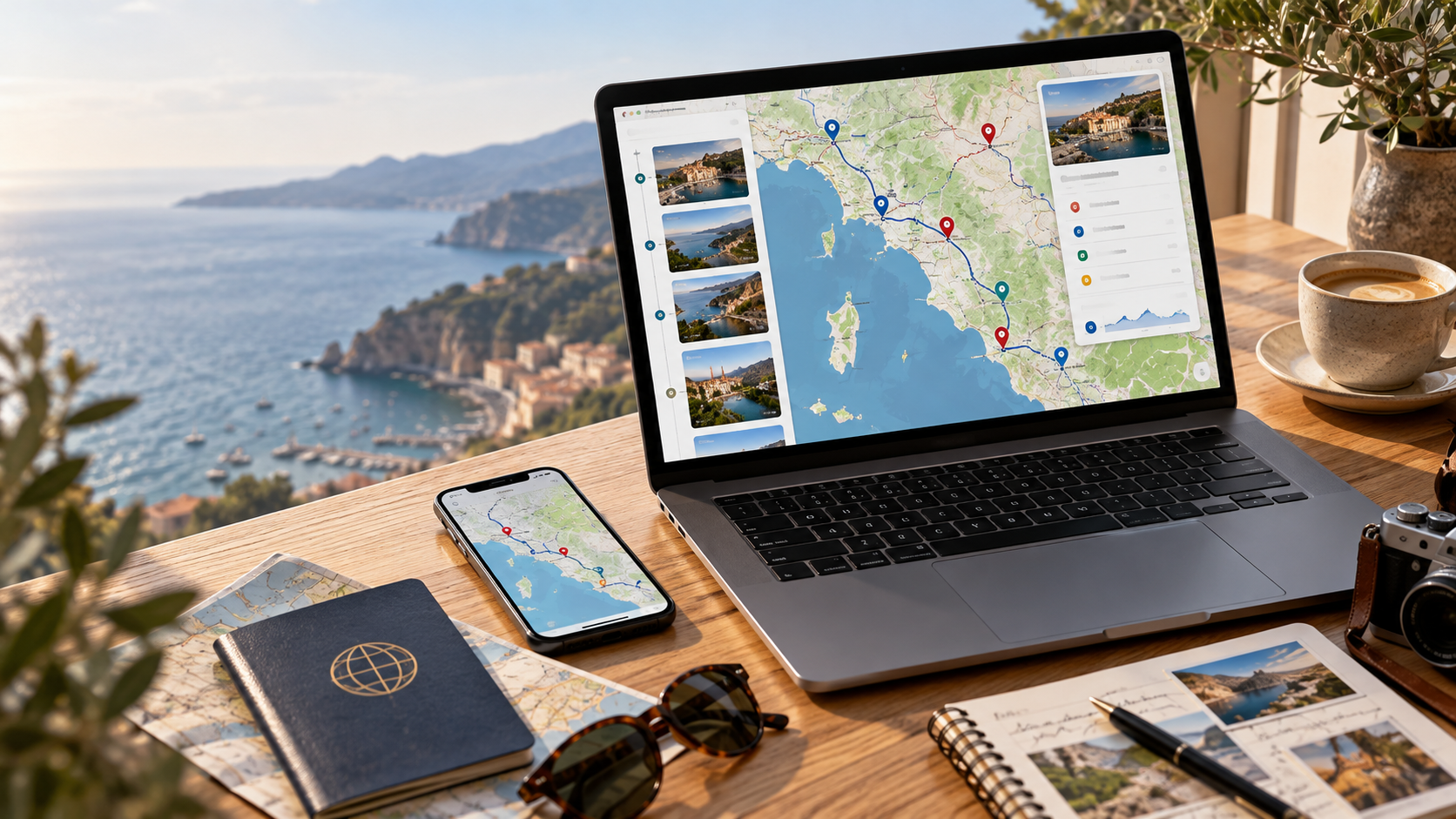
Planning a trip involves more than finding directions. Travelers need to organize attractions, compare routes, locate accommodation, and keep important stops within easy reach. A well-designed travel map can bring these details together and make unfamiliar destinations easier to explore. The map guide TTweakMaps by TravelTweaks is presented as a resource for organizing journeys through customized maps, location markers, and travel routes. But what does it actually offer, and how can travelers use the approach effectively? This guide examines the features described by TravelTweaks and explains practical ways to create a more organized travel itinerary.
What Is Map Guide TTweakMaps by TravelTweaks?
TTweakMaps by TravelTweaks is described as a web-based travel mapping tool designed to help users organize destinations, customize maps, and plan routes.
In a guide published on May 19, 2026, TravelTweaks outlines features such as location markers, map layers, route drawing, spreadsheet imports, and sharing options.
Rather than presenting a destination as a simple collection of addresses, the approach connects places through a visual itinerary.
“TtweakMaps by TravelTweaks is a web map tool for trip planning.” — TravelTweaks, May 19, 2026.
The website also describes mobile access, offline maps, and several export formats. However, these descriptions do not establish that every advertised capability is available through a publicly accessible standalone application. Travelers should confirm the functionality of any mapping platform before depending on it during a trip.
How TTweakMaps Approaches Travel Planning
The central idea behind the TTweakMaps guide is straightforward: a travel map should help people decide where to go, how to organize their stops, and how different locations fit into their schedule.
Organizing Destinations With Map Markers
Location markers, often called pins, identify specific places on a digital map.
For travelers, markers can represent hotels, restaurants, museums, railway stations, scenic viewpoints, or meeting locations.
A thoughtfully organized map provides more value than a long list of saved addresses. For example, someone planning a weekend in Paris might group attractions by neighborhood rather than following the order in which they discovered them.
That approach makes it easier to recognize nearby attractions and avoid unnecessary journeys across the city.
Using Layers to Separate Travel Information
Map layers allow different categories of information to appear independently.
A traveler could create separate layers for accommodation, sightseeing, transport connections, and restaurants. Hiding or displaying particular layers makes a complicated itinerary easier to understand.
TravelTweaks describes layer controls as part of its mapping approach. Similar functionality is documented in established products such as Google My Maps.
Building Routes Around Realistic Travel Times
A useful itinerary connects destinations in a practical order.
Suppose someone wants to visit four attractions in one day. Their locations may look close together on a map, but public transport connections, traffic, terrain, and opening hours can change the best visiting order.
Planning the route before departure helps identify these obstacles. It also allows travelers to reserve time for meals, queues, and unexpected delays.
Travel Planning Maps vs. Standard Navigation Maps
Travel planning and navigation are closely connected, but they serve different purposes.
| Feature | Travel Planning Map | Navigation Map |
|---|---|---|
| Main purpose | Organizing destinations and activities | Getting from one location to another |
| Location markers | Grouping planned stops and interests | Finding addresses and saved places |
| Routes | Comparing the order of planned stops | Providing directions for a journey |
| Notes and categories | Organizing schedules and travel details | Supporting location searches |
| Offline use | Depends on the mapping platform | Available in supported navigation applications |
A custom map is particularly useful before a journey, when travelers are deciding what to include. A navigation application becomes more important during the journey, when they need directions and updated road information.
The two approaches can complement each other.
How to Create a Travel Map Using the TTweakMaps Approach
Even without a dedicated TTweakMaps application, travelers can apply the ideas described in the TravelTweaks guide using established mapping services.
Google My Maps provides a documented way to create personalized maps with locations, layers, and routes.
Step-by-Step Travel Map Planning
- Choose your destination and create a map. Open Google My Maps on a computer, sign in, and create a new map. Give it a descriptive name, such as “Rome Weekend Trip,” so it is easy to identify.
- Add important locations. Search for your hotel, arrival station, attractions, and restaurants. Add relevant places to your map. Google also supports adding markers directly when the exact location is known.
- Organize stops into categories. Create separate layers for sightseeing, food, accommodation, and transport, or use a layer for each day. Choose the structure that makes the itinerary easiest to follow.
- Connect destinations with routes. Use the directions feature to plan travel between selected locations. Google My Maps documents driving, walking, and cycling route options, allowing travelers to compare appropriate journeys.
- Add useful notes. Record reservation times, ticket requirements, accessible entrances, or reminders about places that require advance booking. Check important details against official attraction and transport websites.
- Review and share your itinerary. Check the completed map for unnecessary travel, overlapping plans, or missing stops. Share it with companions using the appropriate viewing or editing permissions.
Google provides separate instructions for adding map locations and creating directions.
Following this method produces a practical map that remains useful even when plans change.
What to Check Before Relying on a Digital Travel Map
Offline Maps and Internet Access
Internet access cannot always be guaranteed while traveling. Rural areas, underground transport systems, and international roaming restrictions can interrupt mobile connectivity.
Downloading supported maps before departure is therefore a sensible precaution.
Google Maps Help confirms that users can download selected geographic areas for offline navigation, subject to regional availability.
Offline functionality has important restrictions. Google Maps does not provide offline public transport, walking, or cycling directions, and offline driving navigation does not include live traffic information.
Travelers should also distinguish downloadable navigation maps from custom itinerary maps. Saving one does not automatically make every feature of the other accessible without an internet connection.
Sharing and Privacy
Shared maps can simplify group travel, especially when several people are choosing activities.
However, editing permissions should be granted carefully. A map containing personal accommodation details or private meeting arrangements should not automatically be made public.
Before sharing, check whether recipients can only view the map or can modify its contents.
Keeping Travel Information Current
A saved map records a plan, not a guarantee that conditions will remain unchanged.
Opening hours, road restrictions, ferry timetables, ticket availability, and weather conditions can affect an itinerary.
For significant journeys, consult official transport operators and destination websites shortly before traveling.
Who Can Benefit From This Map-Based Planning Method?
The map planning approach described by TravelTweaks can be adapted to several types of journeys.
Independent travelers can organize accommodation, attractions, and transport connections without repeatedly searching for saved addresses.
Families can identify nearby restaurants, parks, rest areas, and activities appropriate for different age groups.
Road-trip travelers can plan overnight stops, fuel stations, scenic routes, and alternative destinations along a longer journey.
Group travelers can use shared maps to coordinate activities while keeping the itinerary visible to everyone.
Travel photographers can organize viewpoints and shooting locations geographically, then check access restrictions and suitable visiting times.
The greatest benefit comes from making a map relevant to a specific journey rather than collecting as many locations as possible.
Practical Tips for Making a Better Travel Map
A useful travel map should remain easy to read, particularly on a small phone screen.
Start by marking the places that are essential to your itinerary. Add optional stops afterward, ideally near locations you already intend to visit.
Consider the following example: a traveler has planned a day around a museum, a market, and a restaurant. If the three locations are close together, grouping them into one outing may be more practical than scheduling unrelated stops across the city.
Short descriptions can also improve the usefulness of individual markers. Instead of labeling a place only by its name, include a reminder such as “advance ticket required” or “check Sunday opening hours.”
Finally, keep a backup containing essential addresses and booking details. A digital map is a planning aid, but it should not be the only place where important travel information is stored.
Frequently Asked Questions
1. What is the purpose of map guide TTweakMaps by TravelTweaks?
It is presented as a travel mapping resource focused on organizing destinations, routes, location markers, and itineraries. Its main purpose is to make trip planning more visual and manageable.
2. Can TTweakMaps help with planning multiple destinations?
The planning method described by TravelTweaks is suitable for trips involving several stops. Travelers can separate destinations into categories or daily plans and examine their geographical relationships before selecting routes.
3. Does TTweakMaps replace Google Maps?
TravelTweaks describes TTweakMaps primarily around customized trip planning. Google Maps provides established navigation features, including directions and supported offline driving maps. Travelers should choose tools based on the specific features they need.
4. How can travelers share a personalized map?
Google My Maps allows users to share maps and manage access through Google’s sharing controls. Travelers can provide viewing access or permit selected collaborators to edit a map.
5. What information should travelers include in a trip map?
A useful map should include accommodation, major attractions, transport stations, restaurants, important meeting points, and planned routes. Reservation details, opening hours, and backup destinations can make it more practical.
Conclusion
The map guide TTweakMaps by TravelTweaks presents travel mapping as a way to combine destinations, routes, and itinerary details in one organized view. Its emphasis on markers, layers, and shared planning offers a useful framework for preparing a journey.
Whatever mapping tool travelers choose, the same principles apply: organize essential stops, plan realistic routes, check current local information, and prepare for connectivity problems. A clear travel map makes it easier to spend less time managing arrangements and more time exploring a destination.
Read also WutawHealth Explained: Wellness Tips, Healthy Habits, and What You Should Know